how do i join?
Scroll past the WiiRing examples and fill out the form below with your website information! Once approved, you'll receive an email with the WiiRing snippet ready to paste to your site!

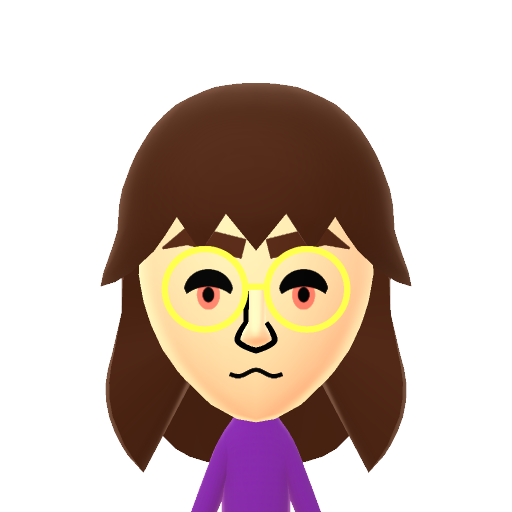
how to create your own mii png?
1. Go to Mii Studio. You'll need to create or log into your Nintendo account to use this tool.
2. Using the tool, create and save your mii.
3. Go to back to this URL, and here you'll be able to save the photo of the mii you created - but here's where things get a little tricky.
Nintendo added a hover effect on the image that doesn't allow you to save the image by simply right clicking it. You can instead click outside the browser, and then right click the image of the mii while the browser is still out of focus and it should show you the option to save it!
If this doesn't work, try using Ctrl + F to bring the webpage out of focus and then right click the image to save it.
4. Upload your mii image to your website and paste the URL into the form below.

Hello, welcome!
This is a webring for enthusiasts of the wii & wii u series games. If you love the wii and have a website, you can join this webring! You can preview the WiiRings and fill the form out below to join!
Wii Classic
<div style="width: 135px; /* <- Set any width you'd like! */">
<iframe style="border: none; width: 100%" src="https://wiiring.jeith.com/snippet?site=YOUR_SITE_HERE&variant=standard"></iframe>
</div>




Wii Family Edition (blue)
<div style="width: 135px; /* <- Set any width you'd like! */">
<iframe style="border: none; width: 100%" src="https://wiiring.jeith.com/snippet?site=YOUR_SITE_HERE&variant=family-edition-blue"></iframe>
</div>



Wii Mini Edition
<div style="width: 135px; /* <- Set any width you'd like! */">
<iframe style="border: none; width: 100%" src="https://wiiring.jeith.com/snippet?site=YOUR_SITE_HERE&variant=wii-mini"></iframe>
</div>
Current WiiRing members:
Last updated: 2/27/24
Total members: 200